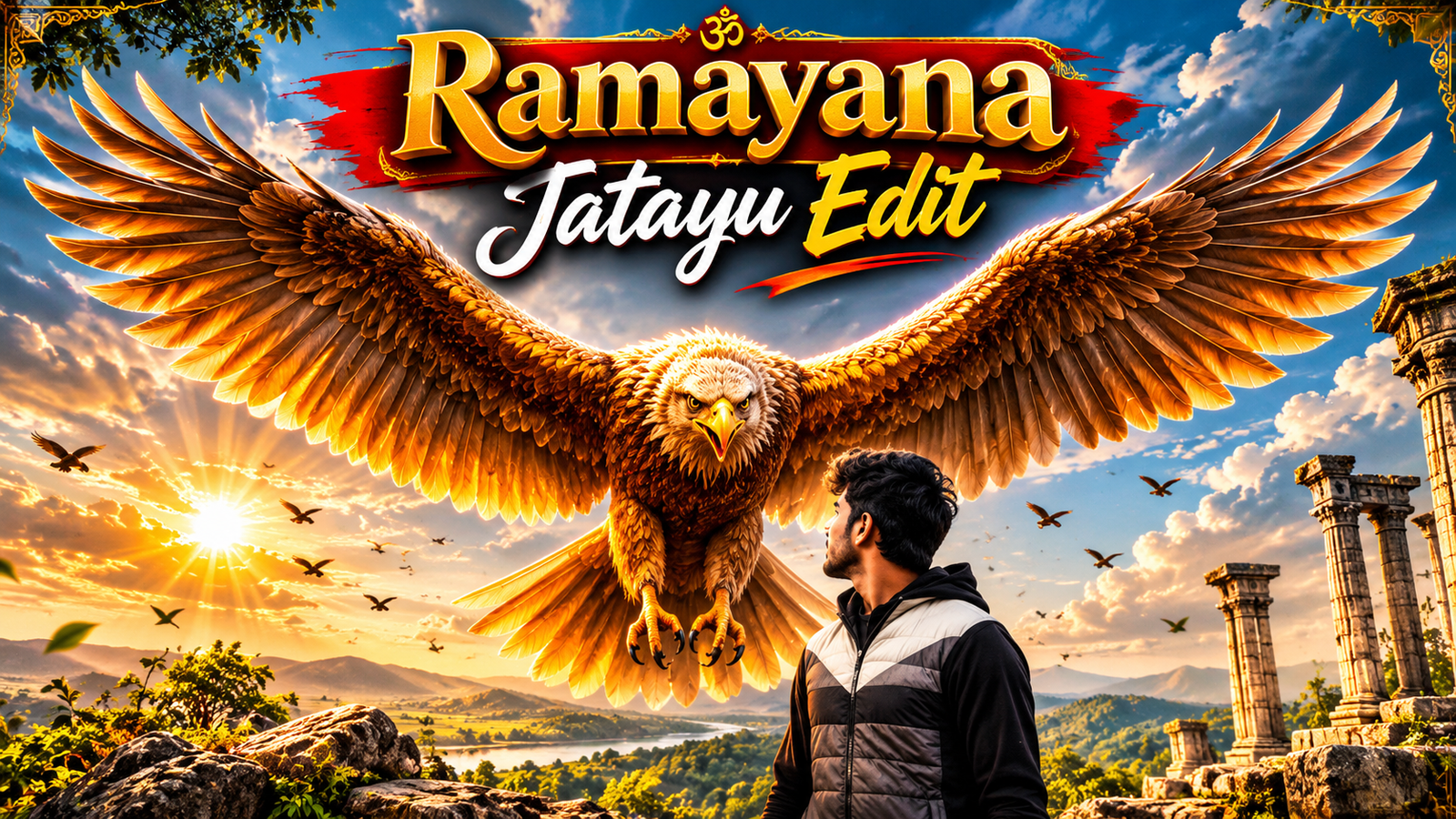
AI video editing is becoming increasingly popular on Instagram, YouTube Shorts, and other social media platforms. One creative concept gaining attention is the Ramayana Jatayu AI Video Edit, which allows users to create cinematic videos inspired by the legendary character Jatayu from the Ramayana.
With Google Flow AI, you can transform an ordinary photo into a dramatic, mythological-style video using a reference video and a detailed AI prompt.
In this article, Sarkari Prompt will explain how to create a Ramayana Jatayu AI video using Google Flow, including the editing process, prompt instructions, and useful tips for better results.
What Is the Ramayana Jatayu AI Video Editing Trend?
The Ramayana Jatayu AI Video Edit is a creative video concept inspired by the ancient Indian epic Ramayana.
Jatayu is remembered as the courageous bird who tried to rescue Goddess Sita from Ravana. His bravery and sacrifice make him one of the most respected characters in the story.
Using modern AI video generation technology, creators can produce cinematic scenes featuring a giant Jatayu-inspired bird, dramatic landscapes, mythological environments, and realistic camera movements.
The resulting videos can be shared as Instagram Reels, YouTube Shorts, or other short-form content.
How to Make the Viral Ramayana Jatayu Edit in Google Flow
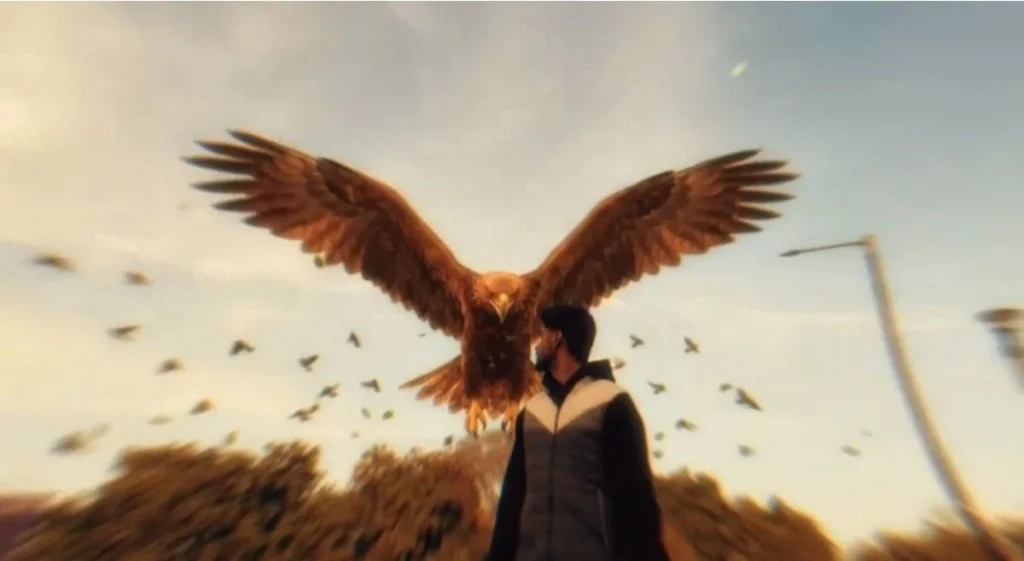
Creating this type of video is relatively simple when you have a suitable reference video, a clear photograph, and an effective prompt.
Step 1: Open Google Flow AI
First, open the official Google Flow website in your browser.
Sign in using your Google account and access the available AI video generation features.
Step 2: Prepare Your Photo
Choose a clear photograph of yourself.
For better results:
- Use a high-quality image.
- Make sure your face is clearly visible.
- Avoid heavily blurred photographs.
- Choose an image with natural lighting.
- Prefer a portrait with a simple background.
A clear reference image can help the AI maintain a more recognizable appearance.
Step 3: Get the Ramayana Jatayu Reference Video and Prompt
Next, visit Sarkari Prompt and open the Ramayana Jatayu AI Video Editing post.
Find the reference video and the AI video prompt provided in the article.
Copy the prompt and prepare the reference material for the next step.
Step 4: Upload Your Photo and Reference Video
Open the supported video creation workflow in Google Flow.
Upload your photograph and add the reference video if the selected Flow feature supports video references.
If video-reference uploading is unavailable, use supported image references and describe the desired scene, camera movement, and actions in your prompt.
Step 5: Paste the Ramayana Jatayu AI Video Prompt
Paste your AI video prompt into the prompt box.
Make sure the instructions clearly describe the mythological environment, Jatayu’s appearance, character movement, cinematic lighting, and camera angles.
Step 6: Generate Your AI Video
After adding the necessary references and prompt, click the available generate option.
Google Flow will process your instructions and attempt to create the requested cinematic video.
Generation time and output quality may vary depending on the selected model, account access, and server availability.
Step 7: Download and Share Your Video
Once your video is generated, preview the result carefully.
If you are satisfied, download it using the available export option.
You can then edit the final video in CapCut or another video editor before sharing it on Instagram Reels, YouTube Shorts, or Facebook.
Ramayana Jatayu AI Video Editing Prompt
Use the following sample prompt as a starting point for your cinematic AI video.
Copy AI Video Prompt:
Create an ultra-realistic cinematic mythological video inspired by the ancient Indian epic Ramayana. Use the uploaded photograph as the primary facial identity reference. Preserve the person’s recognizable facial features, hairstyle, skin tone, and natural appearance.
Show the person standing in an ancient Indian forest surrounded by towering trees, golden sunlight, drifting dust particles, and atmospheric mist.
A majestic giant eagle inspired by Jatayu appears nearby, with enormous detailed wings, realistic golden-brown feathers, expressive eyes, and a powerful yet noble presence.
The camera slowly moves around the person while Jatayu spreads his massive wings. Create a dramatic cinematic atmosphere with realistic feather movement, natural wind effects, volumetric sunlight, and detailed environmental textures.
Use smooth cinematic camera movement, realistic physics, professional color grading, and highly detailed visual effects.
Maintain consistent facial identity, realistic body proportions, and natural character movement throughout the video.
Video format: Vertical 9:16, cinematic realism, high-quality output suitable for Instagram Reels.
Tips for Creating Better Ramayana Jatayu AI Videos
To improve your AI-generated video, follow these simple tips:
1. Use a clear reference photo: High-quality photographs can improve facial consistency.
2. Write detailed prompts: Mention the character, background, lighting, camera movement, and atmosphere.
3. Keep the video cinematic: Slow camera movements and dramatic lighting can create a more engaging result.
4. Use vertical video format: A 9:16 aspect ratio is suitable for Instagram Reels and YouTube Shorts.
5. Review the generated result: AI tools may occasionally produce inconsistent faces, unusual movements, or visual artifacts. Generate another version when necessary.
Why Use Google Flow for AI Video Editing?
Google Flow offers AI-powered video creation tools that help creators experiment with cinematic scenes.
Some useful capabilities include:
- Text-based video generation.
- Image-guided video creation.
- Cinematic scene composition.
- AI-generated character animation.
- Creative camera movement and visual storytelling.
Available features, generation limits, and subscription requirements may vary.
Frequently Asked Questions (FAQs)
How can I create a Ramayana Jatayu AI video?
You can create a Ramayana Jatayu-inspired video using Google Flow by uploading a suitable reference image, entering a detailed cinematic prompt, and generating the video.
Is Google Flow free to use?
Google Flow access, credits, and subscription requirements depend on Google’s current plans and availability.
Can I use my own photo in the Jatayu AI video?
Yes. Supported image-reference workflows can use your uploaded photo to guide the generated character’s appearance.
Which video ratio is best for Instagram Reels?
A vertical 9:16 aspect ratio is generally recommended for Instagram Reels and YouTube Shorts.
Where can I get the Ramayana Jatayu AI video prompt?
You can find AI video editing prompts, tutorials, and creative editing ideas on Sarkari Prompt.
Conclusion
The Ramayana Jatayu AI Video Editing Trend is an interesting way to combine Indian mythology with modern artificial intelligence.
Using Google Flow, creators can experiment with cinematic mythological environments, realistic character animation, and dramatic visual effects.
With a clear photograph, a suitable reference, and a detailed prompt, you can create your own Ramayana Jatayu-inspired AI video.
For more AI photo editing prompts, video tutorials, and creative editing ideas, keep visiting Sarkari Prompt.