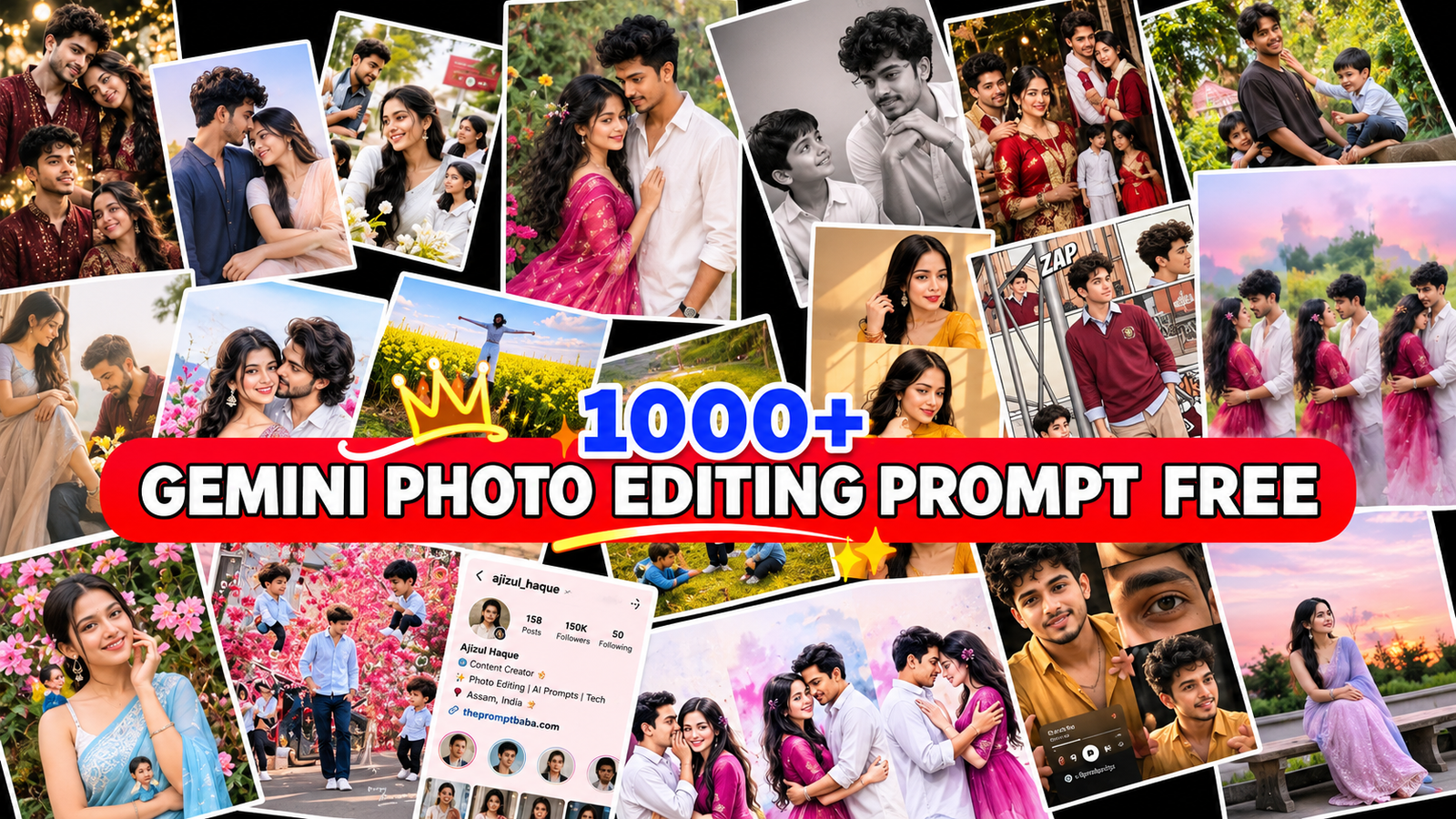
Do you want to turn a simple selfie into a cinematic, stylish or festive photo without any editing app? With Google Gemini, it takes just one prompt and a few seconds. The only problem is finding good prompts. Most prompt lists give you 10 or 20 ideas, and after that you are stuck again.
That is why this guide is different. Here you will get a simple prompt formula that can create 1000+ unlimited Gemini photo editing prompts, plus ready-to-use prompts for boys, girls and couples. Every prompt is free, easy to copy and paste, and has a face lock line so your face stays the same. Let’s get started.
What Are Gemini Photo Editing Prompts?
Gemini photo editing prompts are written instructions you give to Google Gemini to change your photo. You can change your outfit, background, lighting or the full style of the picture. You just upload your selfie, paste a prompt, and Gemini creates a new image while keeping your face the same.
Think of a prompt like telling a professional photographer exactly what you want. The clearer your words, the better your photo. That is why a good prompt always mentions the outfit, the place, the light and the photo size.
Why Is Gemini So Popular for Photo Editing?
- Free to use: You only need a Google account.
- Works on mobile: No laptop, no Photoshop and no editing skills needed.
- Keeps your face: When you ask clearly, Gemini keeps your face the same in the new photo.
- Changes everything at once: Outfit, background, light and mood in a single prompt.
- Super fast: Results are ready in seconds, perfect for Instagram posts, Reels and WhatsApp status.
What You Need Before You Start
- A Google account (your Gmail ID works)
- The Gemini app on Android or iPhone, or gemini.google.com in your browser
- A clear selfie: front-facing, in good light, with your full face visible
- For couple prompts: one clear photo of each person
- A stable internet connection
How to Use Gemini Photo Editing Prompts
- Open the Gemini app or go to gemini.google.com and sign in with your Google account.
- Tap the + button and upload a clear photo of your face.
- Copy any prompt from this page.
- Paste it into the chat box. If the prompt has words in [brackets], replace them with your own details.
- Send it and wait a few seconds for your new photo.
- Not happy with the result? Tap regenerate, or ask Gemini for a small change like “make the light warmer”.
The Formula for 1000+ Unlimited Gemini Prompts
Here is the secret most prompt pages don’t tell you. Every good photo prompt has three main parts: an outfit, a background and a lighting style. Once you understand this, you never need to search for new prompts again. Just use the template below and fill each blank with one option from the lists.
 Available on Google Play
 Available on Google Play
10 Outfit Ideas
- White linen shirt and beige trousers
- Black leather jacket with blue jeans
- Red Banarasi silk saree
- Pastel pink lehenga with silver jewellery
- Oversized hoodie and cargo pants
- Ivory kurta with a maroon Nehru jacket
- Floral summer dress
- Denim jacket over a white t-shirt
- Navy blue blazer suit
- Long winter coat with a woollen scarf
10 Background Ideas
- A misty hill station road
- A rainy city street at night
- A quiet beach at sunset
- An old haveli courtyard with stone arches
- Snowy mountains with pine trees
- A cozy cafe by a glass window
- A rooftop with fairy lights
- A big sunflower field
- An old railway platform
- Temple steps lit with diyas
10 Lighting and Mood Ideas
- Warm golden hour sunlight
- Calm blue hour light
- Pink and blue neon lights
- Soft morning window light
- Glowing candle and diya light
- Moody black and white
- Cinematic teal and orange colours
- Foggy winter atmosphere
- Bright summer daylight
- Vintage 90s film grain
Now do the maths: 10 outfits × 10 backgrounds × 10 lighting styles = 1000 different prompts. And that is only the beginning.
How the Formula Works: 3 Examples
Still confused? Here are three prompts made with the same formula. See how changing just three parts gives you a completely new photo.
Example 1: Leather Jacket + Rainy Street + Neon Lights
Keep my face, hairstyle and skin tone exactly the same as the uploaded photo. Show me wearing a black leather jacket with blue jeans, in a rainy city street at night, with pink and blue neon lights. Natural pose, realistic skin texture, sharp details, ultra realistic 4K, 9:16.
Example 2: Banarasi Saree + Temple Steps + Diya Light
Keep my face, hairstyle and skin tone exactly the same as the uploaded photo. Show me wearing a red Banarasi silk saree, on temple steps lit with diyas, with glowing candle and diya light. Natural pose, realistic skin texture, sharp details, ultra realistic 4K, 9:16.
Example 3: Winter Coat + Snowy Mountains + Blue Hour
Keep my face, hairstyle and skin tone exactly the same as the uploaded photo. Show me wearing a long winter coat with a woollen scarf, in snowy mountains with pine trees, with calm blue hour light. Natural pose, realistic skin texture, sharp details, ultra realistic 4K, 9:16.
Make It Truly Unlimited: Extra Add-Ons
Want even more variety? Add one extra detail from any list below at the end of your prompt. With these add-ons, your 1000 prompts quickly become 10,000+.
- Poses: hands in pockets, looking back over the shoulder, sitting on steps, walking towards the camera, side profile
- Seasons and festivals: monsoon, winter, Diwali, Holi, Eid, Christmas, birthday
- Photo size: 9:16 for Reels and status, 4:5 for Instagram posts, 1:1 for profile pictures, 16:9 for YouTube thumbnails
- Camera style: DSLR 85mm portrait, candid phone photo, old film camera, drone top view
Don’t want to mix and match? No problem. Here are ready prompts for boys, girls and couples. Just copy, paste and enjoy.
Common Mistakes to Avoid
- Using a blurry or dark photo: Gemini can’t copy a face it can’t see clearly.
- Removing the face lock line: Without it, Gemini may create a different person.
- Adding too many ideas in one prompt: Keep one outfit, one place and one light style.
- Uploading group photos: For single prompts, use a photo with only you in it.
- Giving up after one try: AI results change every time, so regenerate 2 or 3 times.
- Using someone else’s photo without asking: Always take permission first.
Pro Tips for Better Results
- Start with a simple prompt, then improve it with a follow-up message like “add more fog” or “make it a close-up”.
- Always mention the photo size at the end, like 9:16 or 4:5.
- Save the prompts that work best for you in your Notes app.
- If your face changes, reply “keep my face exactly like the original photo” and try again.
- Try the same prompt in ChatGPT too. You will get a different style to choose from.
Frequently Asked Questions
Are these Gemini photo editing prompts really free?
Yes. Every prompt and the full formula on this page are 100% free to use.
How can I get unlimited Gemini prompts?
Use the formula in this post. Mix any outfit, background and lighting style, then add a pose or festival. You will get a new prompt every time.
Do these prompts work in ChatGPT too?
Yes, most of them work in ChatGPT and other AI image tools. The results may look slightly different in each tool.
Why does Gemini change my face?
Blurry, dark or side-angle photos confuse the AI. Upload a clear front photo and keep the face lock line at the start of your prompt.
Can I use Gemini photo editing on my phone?
Yes. The Gemini app works on both Android and iPhone, and you can also use it in your phone’s browser.
Is it safe to upload my photo to Gemini?
Gemini is a Google product, but it is still smart to avoid uploading private or sensitive photos. You can check your activity and privacy settings in your Google account anytime.
Conclusion
You don’t need to save hundreds of random prompts anymore. With the simple outfit, background and lighting formula, plus the ready-made prompts in this post, you now have 1000+ unlimited Gemini photo editing prompts in your pocket. Try a few today, change the details to match your style, and share your best AI photo with your friends.
If you found this guide helpful, bookmark this page and share it with friends who love AI photo editing.